ESIM for International Travel: How to Choose
Compare eSIM coverage, data plans, prices, activation, and limits to choose an eSIM that fits your international trip.
Verdict: For most travelers, Organic Maps is the app to install first, because it is genuinely free, private, and simple enough to use the moment you land. If you hike, cycle off-road, or want topographic detail and route control, add OsmAnd on top. At their free tiers, running both costs nothing.
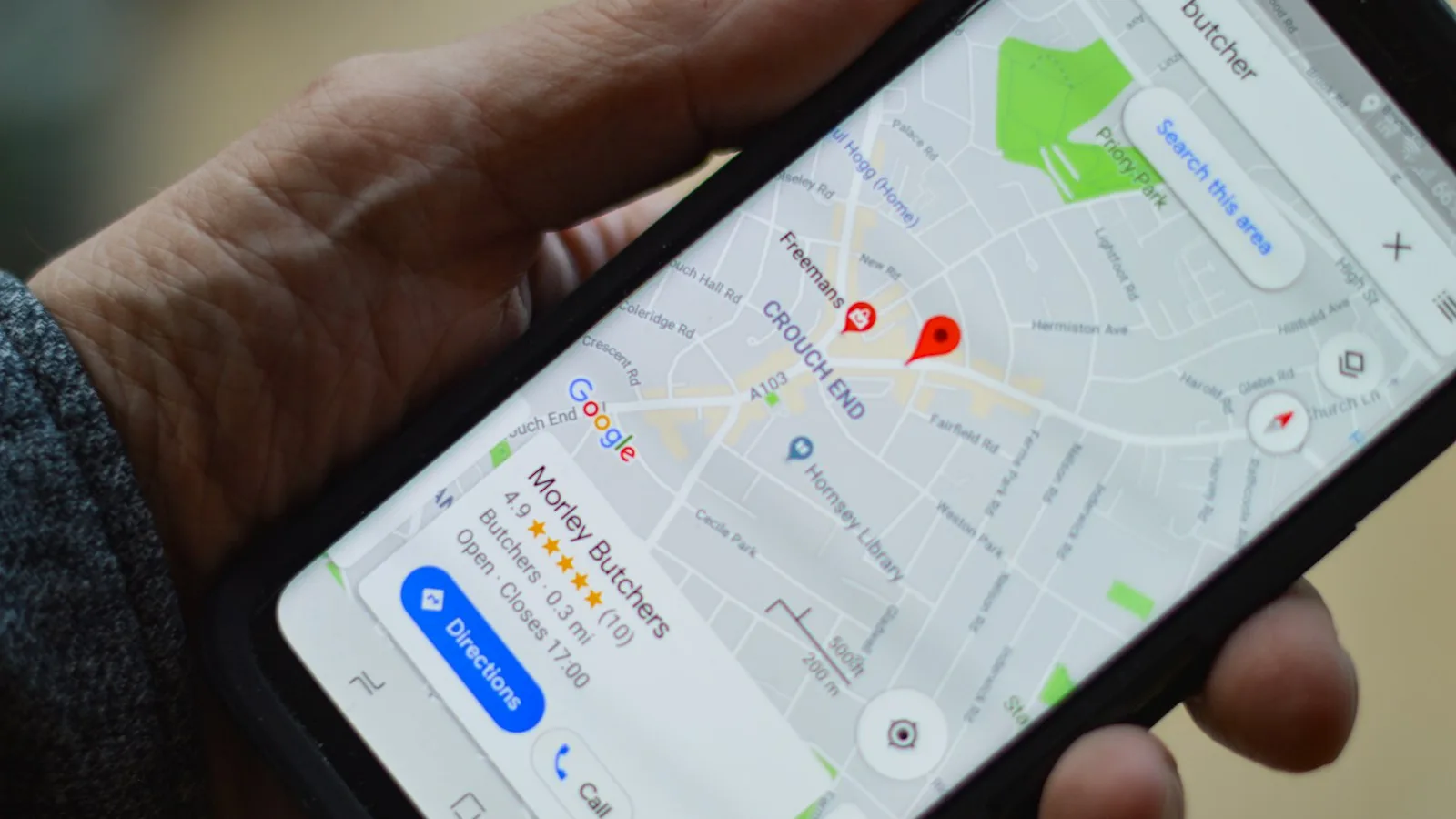
For most travelers deciding Organic Maps vs OsmAnd, the honest answer is that Organic Maps is the app to install first, because it is genuinely free, private, and simple enough to use the moment you land. If you hike, cycle off-road, or want topographic contour lines and control over your routes, add OsmAnd on top. Both run entirely offline on the same map data, so this is not really an either-or fight. It is a question of which one you open by default.
Almost every “best offline map app” roundup treats these two as rivals. In practice, seasoned travelers on hiking and solo-travel forums keep landing on the same advice: install both, and let the trip decide which one you reach for. This article explains why.
Some links in this article are affiliate-free. We do not earn a commission on either app, because Organic Maps takes only donations and OsmAnd sells its upgrades directly. We are recommending them on merit.
Before the differences, the common ground, because it is the whole reason either app is worth your storage. Both Organic Maps and OsmAnd are built on OpenStreetMap data, the same crowd-sourced database, and both are open-source. Organic Maps is licensed under Apache License 2.0; OsmAnd publishes its source too. Neither one needs the internet to work once you have downloaded your maps.
That offline capability is the reason to carry either app instead of leaning on Google Maps abroad. Organic Maps states it “supports 100% of features without an active Internet connection,” to the point that you can “download maps, throw away your SIM card, and go for a weeklong trip on a single battery charge without any byte sent to the network.” OsmAnd is built the same way, promising “highly detailed, fully offline maps of any region world wide” with “no roaming charges when you are abroad.”
Both run on iOS and Android. Organic Maps additionally ships on Huawei AppGallery, F-Droid, and Linux Desktop; OsmAnd covers iOS, Google Play, and Huawei AppGallery. So whatever phone you carry, at least one of these works.
Organic Maps describes itself as “a privacy-focused offline maps and GPS app for hiking, cycling, biking, and driving. Absolutely free. No ads. No tracking.” That is the entire pitch, and it delivers on it.
The strength is simplicity. Organic Maps is lighter and faster than OsmAnd, with a cleaner interface and, in independent testing, better search that finds exact house numbers. On the AlternativeTo community, the recurring note is that Organic Maps is the simpler, faster app for everyday use. Beyond Baggage, reviewing offline map apps in February 2026, made it their default recommendation for one blunt reason: it is “free, genuinely free, no subscription nagging, no ads.”
It handles the core travel jobs well. You get turn-by-turn walking, cycling, and car navigation with voice guidance, plus CarPlay and Android Auto support and offline metro and subway maps. It has contour lines, elevation profiles, and hiking layers, imports and exports bookmarks in KML, KMZ, GPX, and GeoJSON, and includes Wikipedia integration and dark mode.
On accuracy, it holds up. Beyond Baggage found Organic Maps tracked “to within about 5 metres of the trail markers” while walking a route fully offline. That is close enough for city navigation and most day hikes.
The privacy stance is the other headline. Organic Maps promises “No ads. No tracking. No data collection. No annoying registration,” and that claim has been independently verified by the Exodus Privacy Project and TrackerControl. If you dislike the idea of a mapping app logging where you go, this is the one.
The honest limits: routing is a fixed “quickest path” with no strategy options, so you cannot tell it to prefer, say, quiet roads or avoid a motorway. Its feature depth for serious hiking and cycling, things like surface quality or whether a path is lit, is thinner than OsmAnd’s. And in one hands-on comparison, its reverse geocoding (turning a dropped pin back into an address) was weaker. For a casual traveler, none of that matters. For an expedition planner, it might.
Install size and storage. Beyond Baggage measured the Android install at 117 MB, with country map packs running from roughly 250 MB for Portugal to 400 MB for Morocco. Budget a few hundred megabytes per country and you are set.
OsmAnd is the opposite personality. It is a navigation and mapping app that piles on features: customizable map overlays, GPX track recording, public transport stops, and offline search by address, POI, or coordinate. Its plugins add contour lines, hill-shading, slope display, OSM editing, and weather. It carries offline Wikipedia and, notably, offline Wikivoyage travel guides, so you can read up on a place with no signal.
Where OsmAnd pulls ahead is the outdoors and the edge cases. In a September 2025 hands-on comparison, the reviewer preferred OsmAnd and noted several things it does that Organic Maps does not: water and nautical navigation, public transit bus routes, custom marker colors and shapes, and external position upload. On track recording, OsmAnd logs your position once per second, while Organic Maps records roughly every 16 metres, which loses detail when you are moving fast in a car. Beyond Baggage’s reviewer, walking the same trail, found OsmAnd “found a shortcut the Organic Maps route missed.”
Multiple routing strategies are the other real advantage. Where Organic Maps gives you one path, OsmAnd lets you choose how it routes. For a cyclist weighing hills against traffic, or a hiker who wants the most direct line, that control is the difference.
The cost is complexity. The same reviewers who praise OsmAnd’s power also warn about its learning curve. It “can feel bloated and over-complex,” and Beyond Baggage called the interface “intimidating the first time you open it,” with “about six menus too many.” OsmAnd rewards the traveler willing to sit down and learn it. It punishes the one who wants to navigate out of the airport in the first thirty seconds.
This is where OsmAnd gets misunderstood, so here are the current tiers straight from OsmAnd’s own purchase documentation:
Two notes. The 7-map cap on the free tier is the thing most likely to push a real traveler to pay. And iOS leans more toward subscriptions, while Android still offers the one-time OsmAnd+ purchase, so the cheapest long-term route depends on your phone. All paid tiers sync across platforms through an OsmAnd Cloud account. One reviewer who bought OsmAnd+ on Android called it “maybe the best money I’ve spent on a travel app in five years,” which tells you the paid version earns its keep for the right user.
Because they share the same underlying data, the decision comes down to how you travel, not which map is “better.” Here is how the split falls:
It is worth noting how the community weights these. On GitHub, Organic Maps has 14,866 stars to OsmAnd’s 5,864, which reflects how many everyday users prefer the simpler tool, not that OsmAnd is worse at what it does. The people who need OsmAnd’s depth know exactly why they need it.
Install Organic Maps first. For the overwhelming majority of trips, it is the right offline map app: free, private, accurate to within about five metres on foot, and usable in the first minute. It costs nothing and asks nothing of you.
Then, if your trip involves real hiking, cycling off the road network, sailing, or any situation where you want topographic detail and control over how you are routed, add OsmAnd. Start on its free tier to see if you get along with the interface, and upgrade to OsmAnd+ (the one-time $69.99 on Android) or Pro ($39.99 a year) only once you have hit the 7-map cap or decided you want the topo layers.
That is the real recommendation the forums keep circling back to. These are not competitors you must choose between. They are two tools that happen to run on the same map, and the smartest travelers carry both, opening Organic Maps by default and OsmAnd when the ground gets serious.
Compare eSIM coverage, data plans, prices, activation, and limits to choose an eSIM that fits your international trip.
Six offline maps apps compared for travel: Organic Maps, OsmAnd, HERE WeGo, Google Maps, Maps.me, and Gaia GPS. Which one belongs on your phone before you fly.
Verdict: For most travelers, Organic Maps is the app to install first: free, no ads, no tracking, and accurate to within 5 metres on foot. Add HERE WeGo if you are doing a road trip in Europe or the US. Add OsmAnd if you are hiking or cycling off-road. Google Maps offline is a decent backup but not a primary tool.
Real-time translation earbuds tested and ranked for travel: latency, offline support, accuracy, and price. Find the right pair for how you actually travel.
Verdict: For most travelers, the Timekettle W4 Pro ($449) is the only earbud that makes two-way conversation genuinely hands-free — one earbud per person, 0.2-second latency, no tapping required. Budget travelers who just need to get through airports and markets will do fine with the ANFIER M3 ($89.99), which handles 144 languages online and 8 offline for a fraction of the price.